Recommended
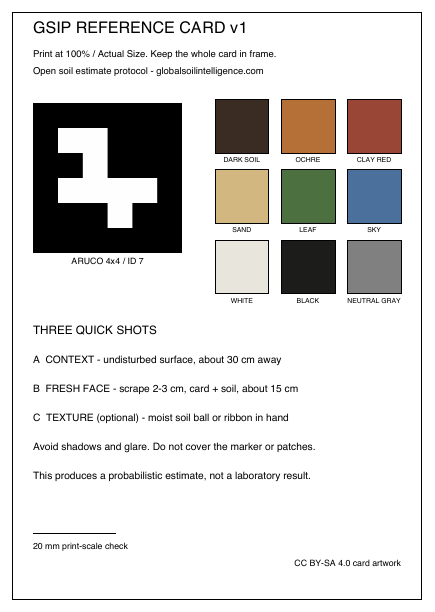
Color reference card
Nine documented patches, a neutral reference, and an ArUco marker support geometry and image checks. Soil RGB remains uncalibrated, even with the reference card.
Download color PDFAn optional physical reference
No printed card is needed. Download the optional GSIP reference card and follow the phone-photo protocol.
No printed card is needed. Photos A and B are required, and photo C is optional. If you choose the physical card, use the free downloads and printing instructions below. Missing a card alone never fails QA; every other quality, privacy and admission gate still applies.
Recommended
Nine documented patches, a neutral reference, and an ArUco marker support geometry and image checks. Soil RGB remains uncalibrated, even with the reference card.
Download color PDF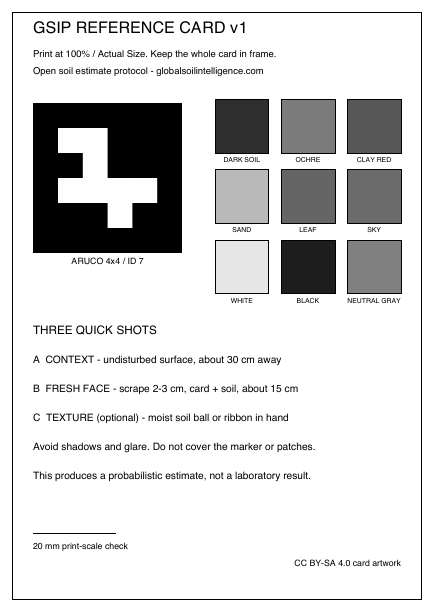
Geometry support
Use this edition when color printing is unavailable. It supports framing, scale, geometry, and exposure—not calibrated color recovery.
Download B&W PDFPrint once, use outside
Use the document’s native A6 size or trim after printing.
Disable “fit to page” so the scale marker stays accurate.
Avoid glossy lamination that introduces glare outdoors.
Capture protocol
Undisturbed ground surface from roughly 30 cm. Include the optional physical card if you have one.
Scrape 2–3 cm, then photograph the exposed soil from roughly 15 cm. Include the optional physical card if you have one.
A moistened soil ball or ribbon can improve future texture-confidence work.